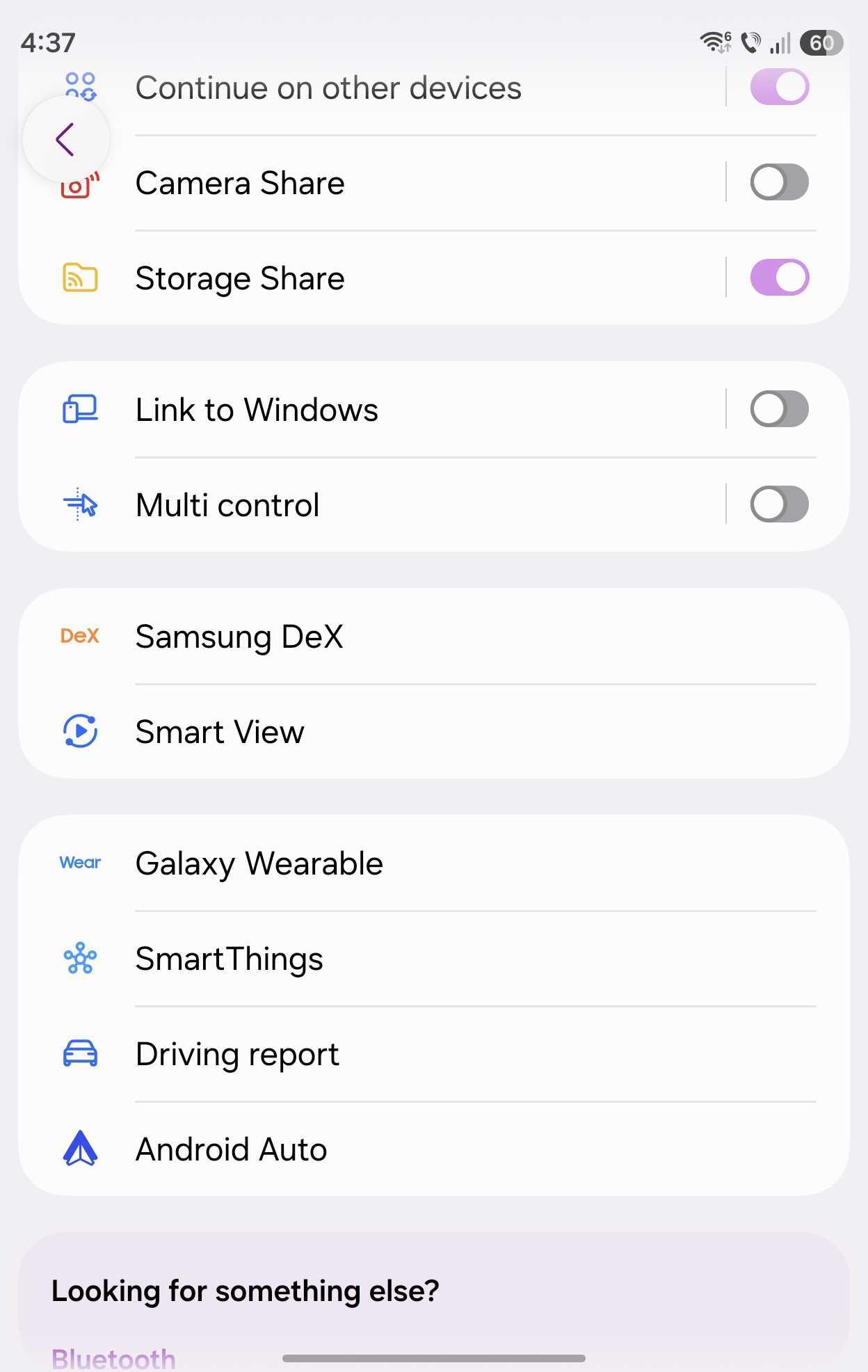

Samsung DeX has remained one of the most unique features in the company's tool belt, and it's been getting better with each One UI release.
More recently, Samsung DeX finally started recognizing Apple's keyboard layout. As a result, Galaxy phone users who want to fire up DeX and use an Apple keyboard now have an easier time.
Apple keyboards and DeX get along better than ever
Samsung DeX gained a new feature, which allows Apple keyboard users to snap windows to the edges of the connected TV or monitor via Cmd + arrow key shortcuts.
This addition can also assist Samsung Keyboard users. Samsung's multi-platform Smart Keyboard Trio 500 also has a Cmd button, similar to Apple's.
Meanwhile, Windows keyboard users can snap windows the same way they did before: by pressing the Windows + arrow keys.
Otherwise, if you want to enable this Cmd + arrow snap window function on your Galaxy phone or tablet, go to: Settings > Connected devices > Samsung DeX > turn Cmd + arrows to move windows ON. It's off by default.
This option is available only on Samsung Galaxy devices running One UI 8.5 or later.
A small caveat: If you choose to use Cmd + arrow key shortcuts, you will no longer be able to navigate “back” using the Cmd + left arrow combo.


On a final note, if you navigate to the Samsung DeX menu and don't see the Auto hide status bar and taskbar option on your Galaxy phone, it's probably because it's running One UI 8.5 instead of One UI 9.0. The option to hide those UI elements in Samsung DeX was added with One UI 9.


Post a Comment