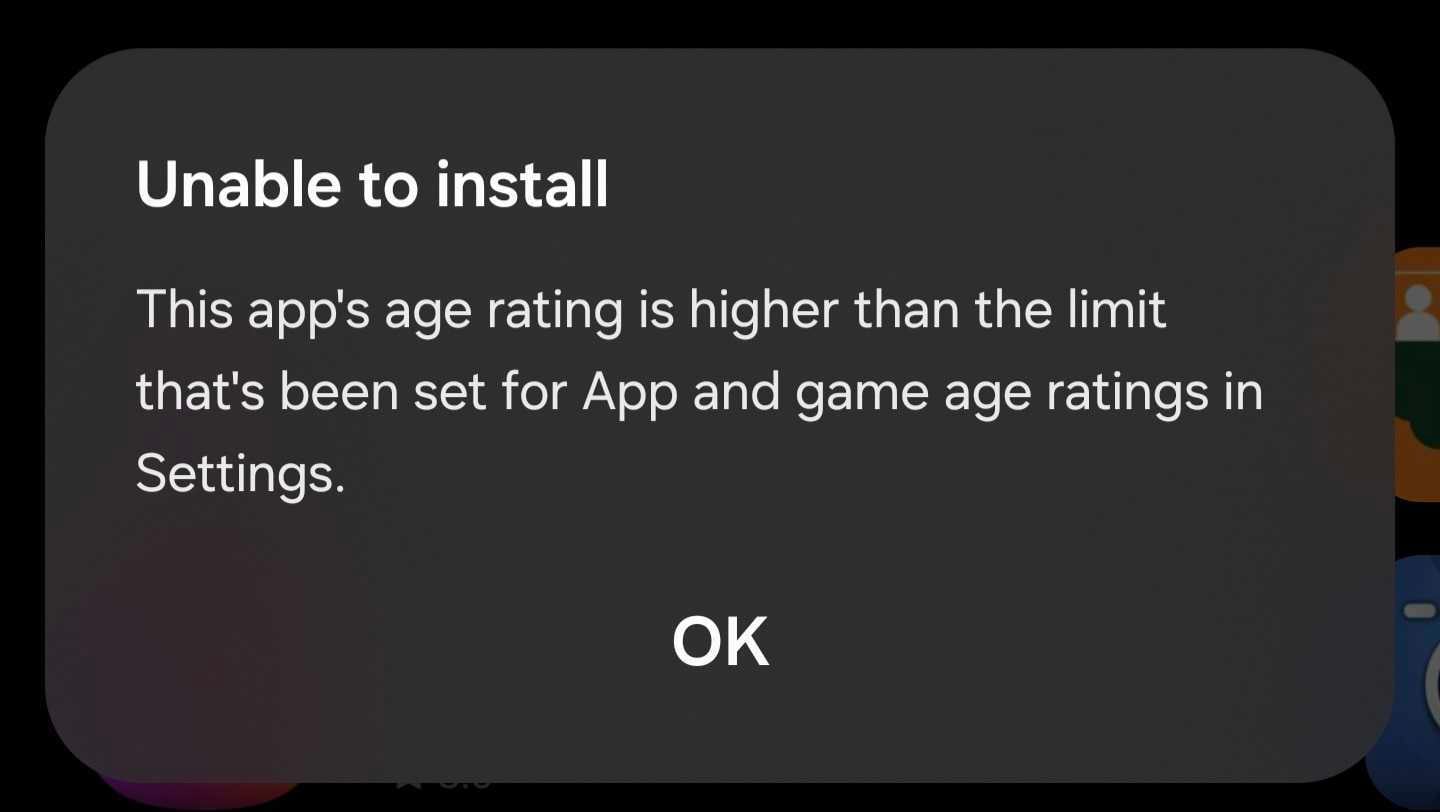

I recently ran into an unusual age restriction error that prevented me from installing certain apps from the Galaxy Store on my Galaxy phone. Whenever I tried, I'd get the following pop-up message:
Unable to install – This app's age rating is higher than the limit that's been set for Apps and game age ratings in Settings.
I double-checked to see if I'd accidentally changed any settings that could prevent Galaxy Store app downloads. But everything checked out, and the pop-up, as pictured below, still made no sense.

Fortunately, if you're in a similar situation and looking for a fix, I found one. It worked for me and at least one Reddit user who commented on the same problem back in February.
For me, what worked was setting up my Digital Wellbeing content restrictions setting again. I went to:
- Settings > Digital Wellbeing > Content restrictions > App and game age ratings.
- Then, I switched back and forth between All ages and Based on age in Samsung account.
I originally had “Based on age in Samsung account” selected, but for some reason, the Galaxy Store stopped detecting that setting properly.
But after switching to All ages and then back to Based on age in Samsung account, things appear to have reset and everything went back to normal for me. I didn't even have to clear the Galaxy Store app's cache.
This doesn't look like a widespread problem, which is fortunate for us Samsung fans. But if you come across it, you won't be alone. Hopefully, the steps above will be enough for your Galaxy Store to start working properly again.


Post a Comment