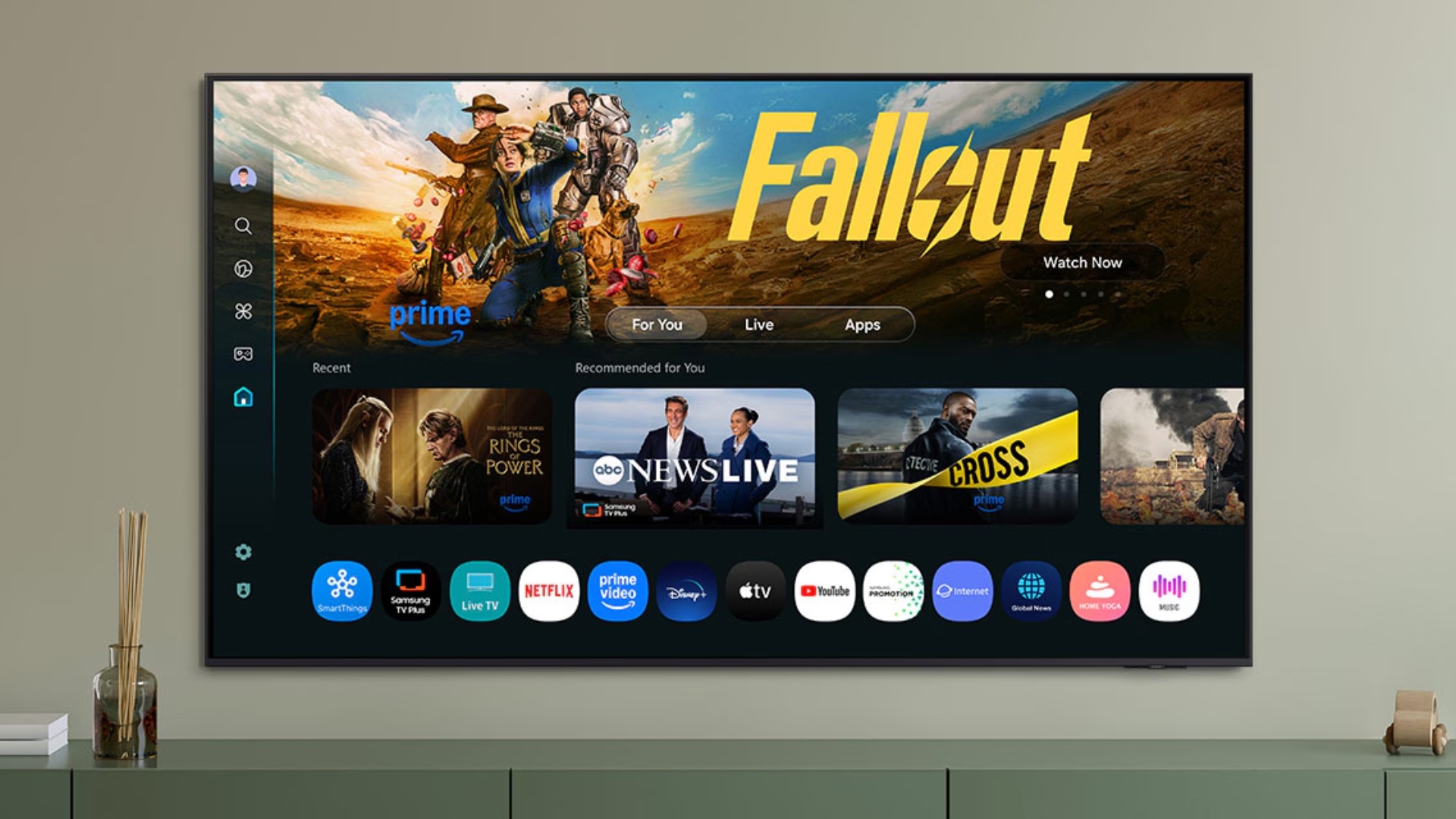

A few days ago, I shared my long-term experience with Samsung’s OLED TV, the S90C, and highlighted some software issues that affected the overall user experience (UX). Recently, Samsung rolled out a major software update, and surprisingly, it has resolved some of the biggest problems I mentioned earlier.
Tizen 9-based One UI update fixes key user experience issues
The Tizen 9.0-based One UI Tizen update for the S90C OLED TV introduces a refreshed UI that feels closer to One UI on Galaxy smartphones and tablets. More importantly, it fixes the sluggishness that arrived with the Tizen 8 update.
It made the TV faster and more responsive

Although the update arrived more than a year late from when it was expected, it significantly improves the experience. The TV now feels faster than it did when I first bought it over two years ago. The Settings quick menu now opens much faster, and switching between the Number Pad, Settings, and SmartThings tabs is more intuitive. You can now cycle through them using the same Settings button on the remote.
Samsung TV Plus doesn't bother me anymore by automatically launching itself
Beyond performance improvements, the update also addresses one of my biggest frustrations. Samsung TV Plus no longer automatically launches when opening the Settings menu or pressing buttons used for browsing channels. Those buttons only work when you are using the Samsung TV app.

There is now an option to disable Autorun Samsung TV Plus from the Settings > Advanced features > Start Screen Options menu. You can also turn off the Autorun Last App option if you prefer to land on the home screen when turning on the TV.
The Settings menu no longer blocks content

Another major improvement is the redesigned Settings menu. It no longer appears as a large overlay in the center of the screen. Instead, it shows up as a smaller panel in the lower-left corner, making it far less intrusive. The design now closely resembles the Settings interface on Galaxy phones, which makes it feel familiar and easier to navigate.

Samsung has also added customization options. You can adjust the menu size and transparency under Settings > General & Privacy > Menu Style. I have personally set both to the maximum, and it looks much cleaner.
The volume bar is no longer hideously big

The update also fixes the oversized volume bar. In previous Tizen versions, the volume overlay took up nearly a quarter of the screen and displayed unnecessary details such as audio device information and connection type. While it still shows the audio device's name, it is now much smaller and far less distracting.
Buy Samsung S90H OLED TV
It hasn't fixed every issue, though
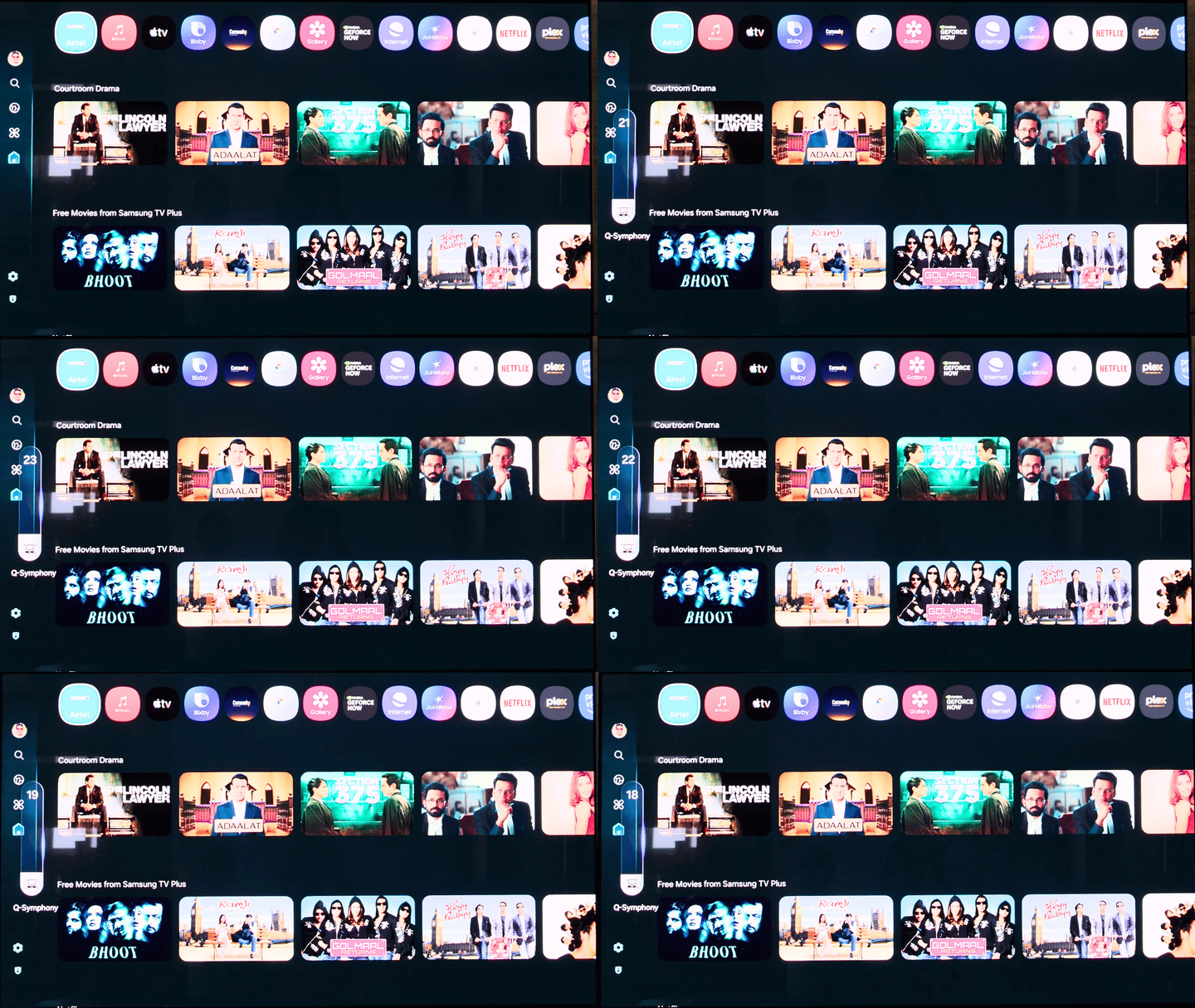
However, not everything has been fixed. The issue with wireless Q-Symphony connections on mesh Wi-Fi networks still persists.

Looking ahead, I hope Samsung does not delay the Tizen 10 update. It debuted earlier this year with the company’s latest TVs and introduces another major UI redesign. The sidebar moves to the top, freeing up more space for content on the home screen.
It also brings Google Cast support, which is a significant addition for Android users who want more seamless casting options from their phones and tablets; it has been released for some 2025 TVs on Tizen 9 already. It also brings Google Photos integration and Now Brief, which could be helpful for a lot of users, just as how Now Brief became useful on my phone with One UI 8.5.


Post a Comment