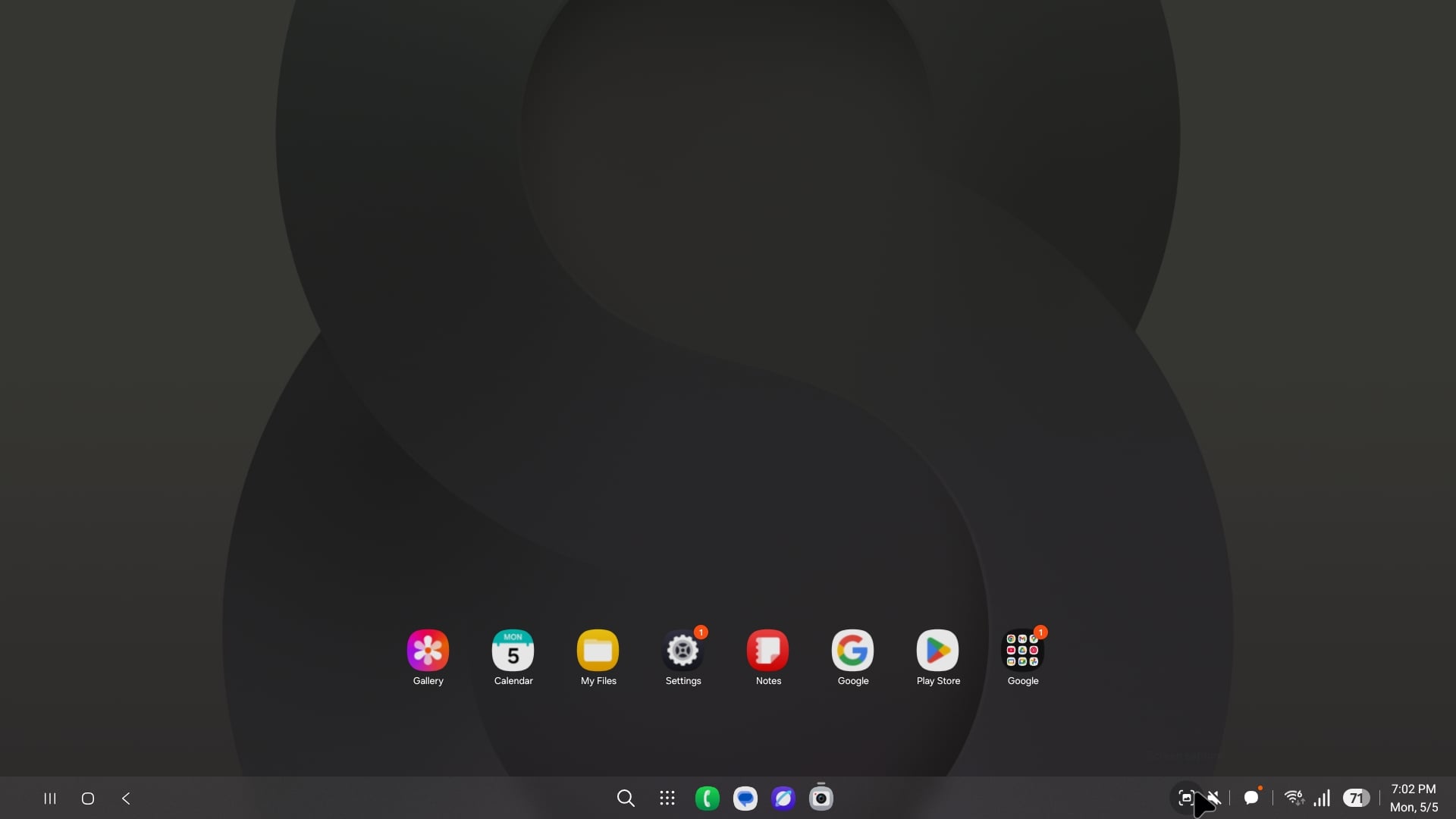

Samsung announced yesterday that it will start the rollout of the stable version of One UI 8 next month. While it isn't as big an update as One UI 7 was in terms of UI design improvements, it still brings several new features and improvements. Before you get it on your compatible device, read about the five biggest changes the One UI 8.0 update brings.
New Samsung DeX
With One UI 8, Samsung removed some features from Samsung DeX, and that has angered long-time DeX users. However, it is actually an upgrade, as it is now based on Android's native Desktop Mode feature that was introduced with Android 16.
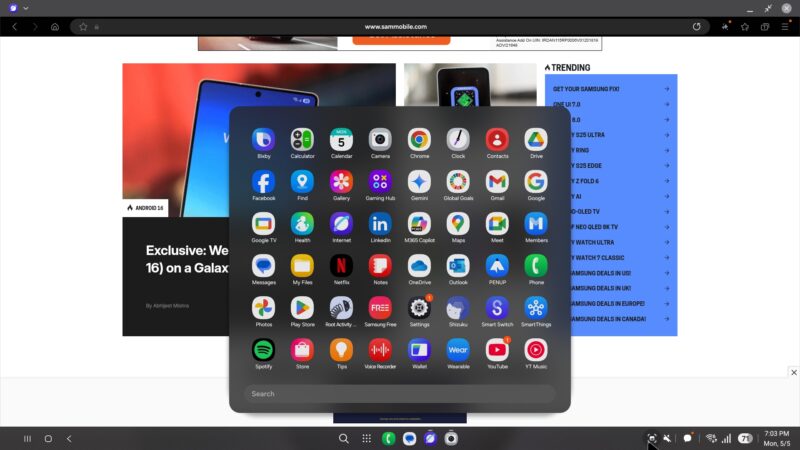
Earlier, DeX was a completely custom software implementation from Samsung, so app developers had to put in extra effort to make their apps behave well in DeX. Now that is based on features that are native to Android, and apps should work better in DeX. Moreover, as Google continues to improve Desktop Mode, those improvements will automatically make their way to future versions of DeX.
Quick Share redesign
Quick Share has received a massive redesign. Unlike earlier, Quick Share now has a complete app-like full-screen interface that clearly distinguishes between Send and Receive modes. This makes it easier for users to understand what is happening and what is being shared.

You can tap the Quick Share toggle from the Quick Panel to get started. You don't need to initiate file transfer from Gallery, My Files, or other apps, as opening Quick Share and moving to the Send tab will offer you an option to choose files that you want to share. Moving to the Receive tab will automatically prepare your phone to receive files from other compatible devices.
Enhanced split-screen view
Samsung has always been quite good in offering split-screen multitasking features. However, last year, OnePlus introduced a new way to multitask, and that was integrated into Android 16. And Samsung has brought it with One UI 8.0. You can see it in action in the screenshots below.

Bottom app appearing in 10% screen area.

Bottom app appearing in 90% screen area.
You can use two apps in split-screen mode where one app occupies 90% of the screen, while the other is visible in a 10% window, and you can switch to the app with a smaller window by just tapping its window. This way of multitasking is great for referencing things from one app and using them in the other.
Improved Secure Folder
Secure Folder is now based on Android's Private Space feature that was introduced with Android 15. Since it is now based on a feature that was built from the ground up for hiding apps and files, it is now more secure. There were some loopholes in the previous version of Secure Folder that inadvertently exposed apps and media inside it, but that loophole has been fixed now.

Samsung has also added some new features to Secure Folder with One UI 8. You must now register fingerprints for Secure Folder separately, as fingerprints registered to unlock the phone won't be automatically used to open Secure Folder. Moreover, the company has made it easier to share files with Secure Folder's apps if you choose to.
Now Bar integration with more third-party apps
Now Bar was one of the highlights of One UI 7. The gorgeously-designed UI element displayed important ongoing activities, but it only worked with some stock apps and select third-party apps. With One UI 8.0, Samsung has integrated it with Android 16's Live Updates feature, which means it works with all the third-party apps that add support for Live Updates.

So, it will now work with a lot more apps, including the ones like Uber Eats. More food delivery and ride share apps will bring support for it in the near future. It is being expected that more types of apps, such as sports scores, will be supported in the future.
The post Five biggest changes One UI 8 brings appeared first on SamMobile.


Post a Comment