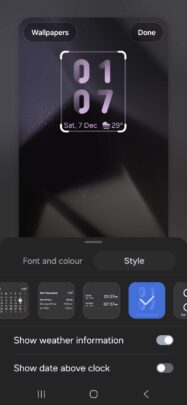

Samsung has introduced a revamped UI design with One UI 7.0, and almost all aspects of the UI have received improvements and new options. Those include the lock screen clock. Samsung has introduced two new lock screen clock styles, and you can watch all the options here.
One UI 7.0 lock screen clock styles and options
There are a total of ten lock screen clock styles in One UI 7.0. Two of those are new and have an animated style. We have added screenshots of all those ten lock screen clock styles in the screenshots below, and the newest ones are at the top of the gallery. For each style, you can customize its font, size, and color.

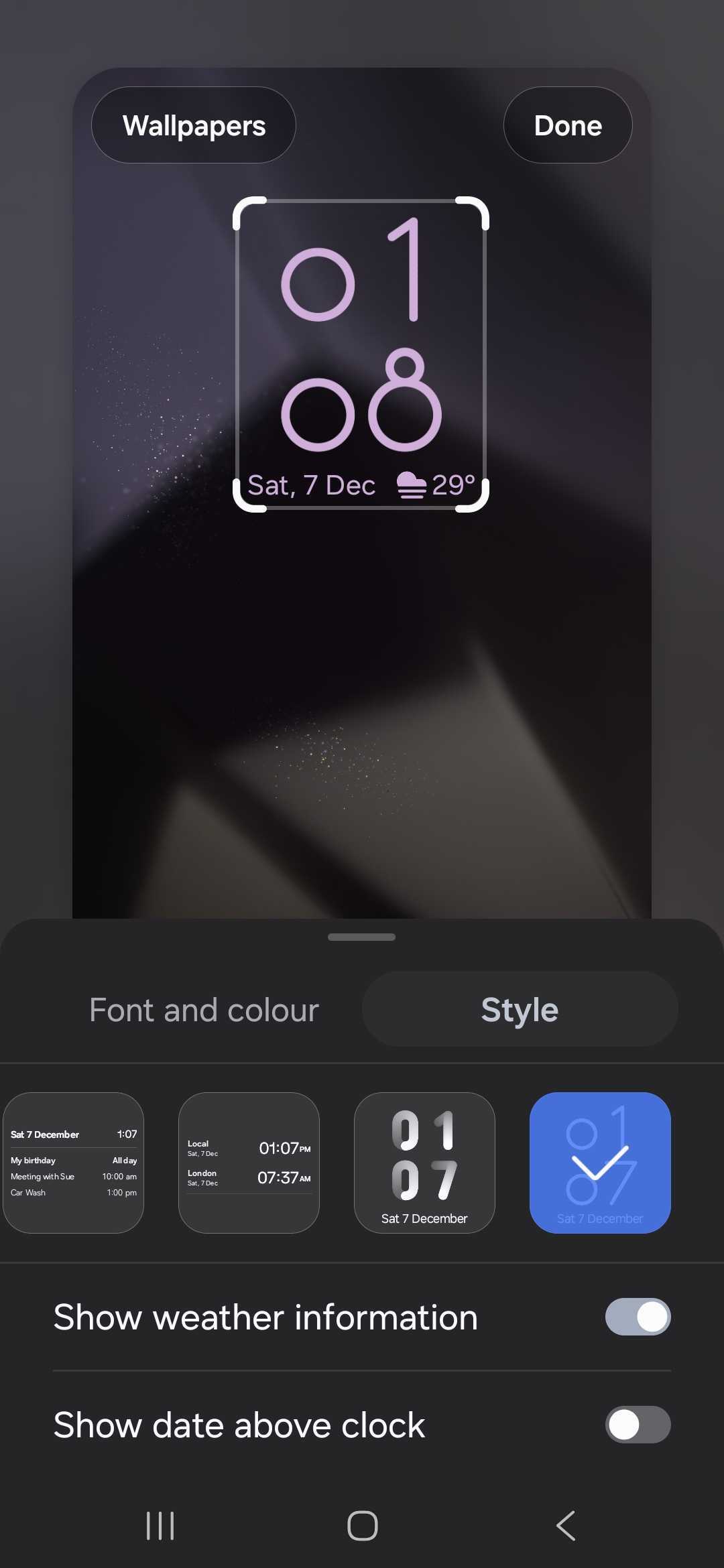
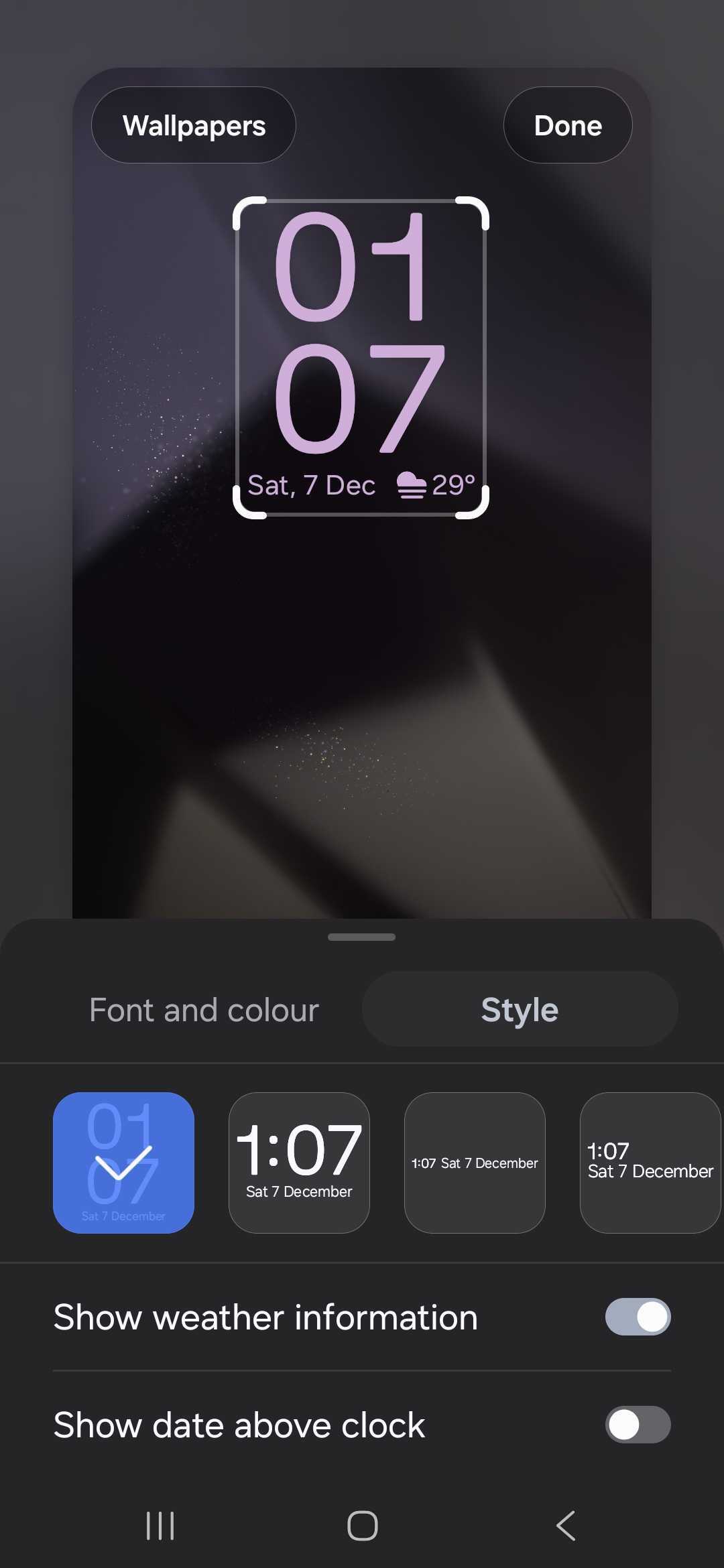
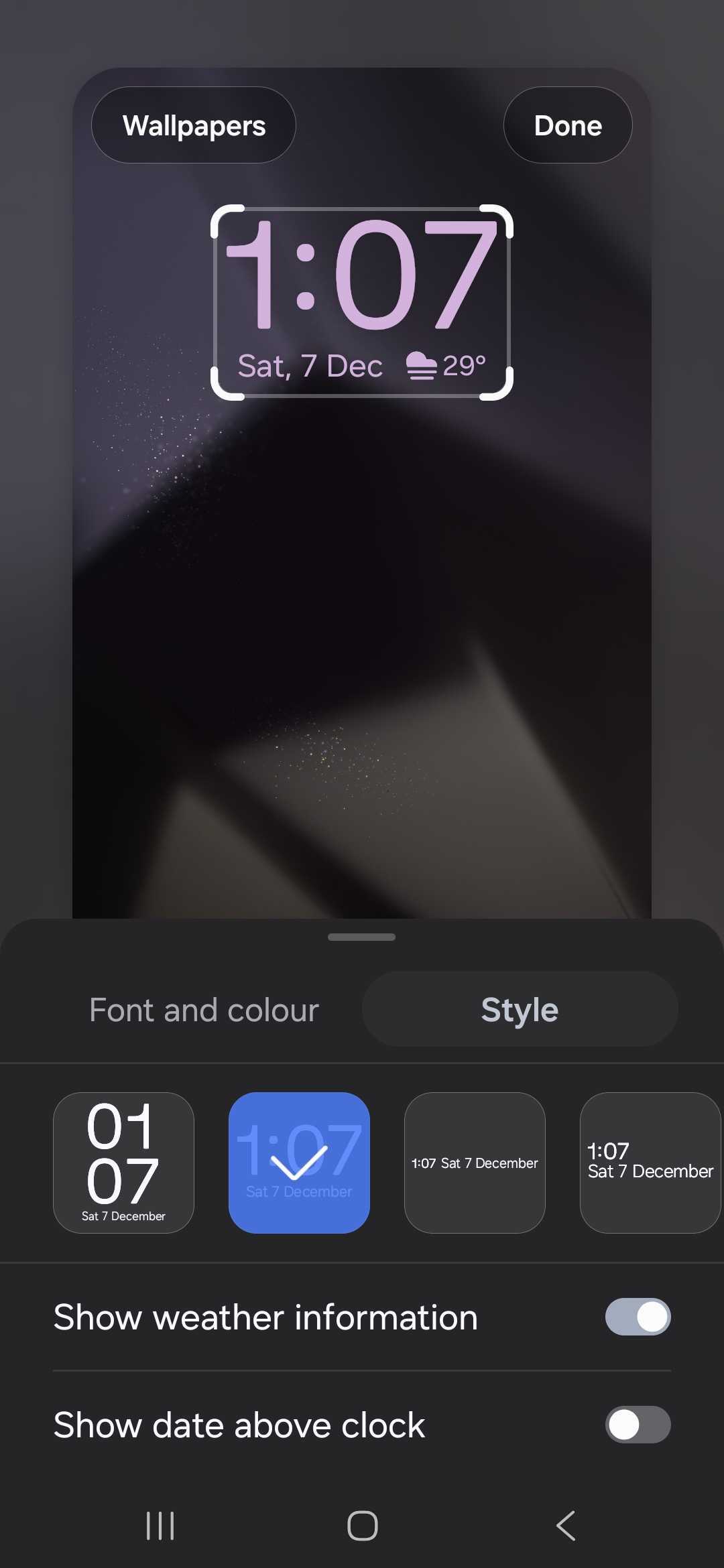
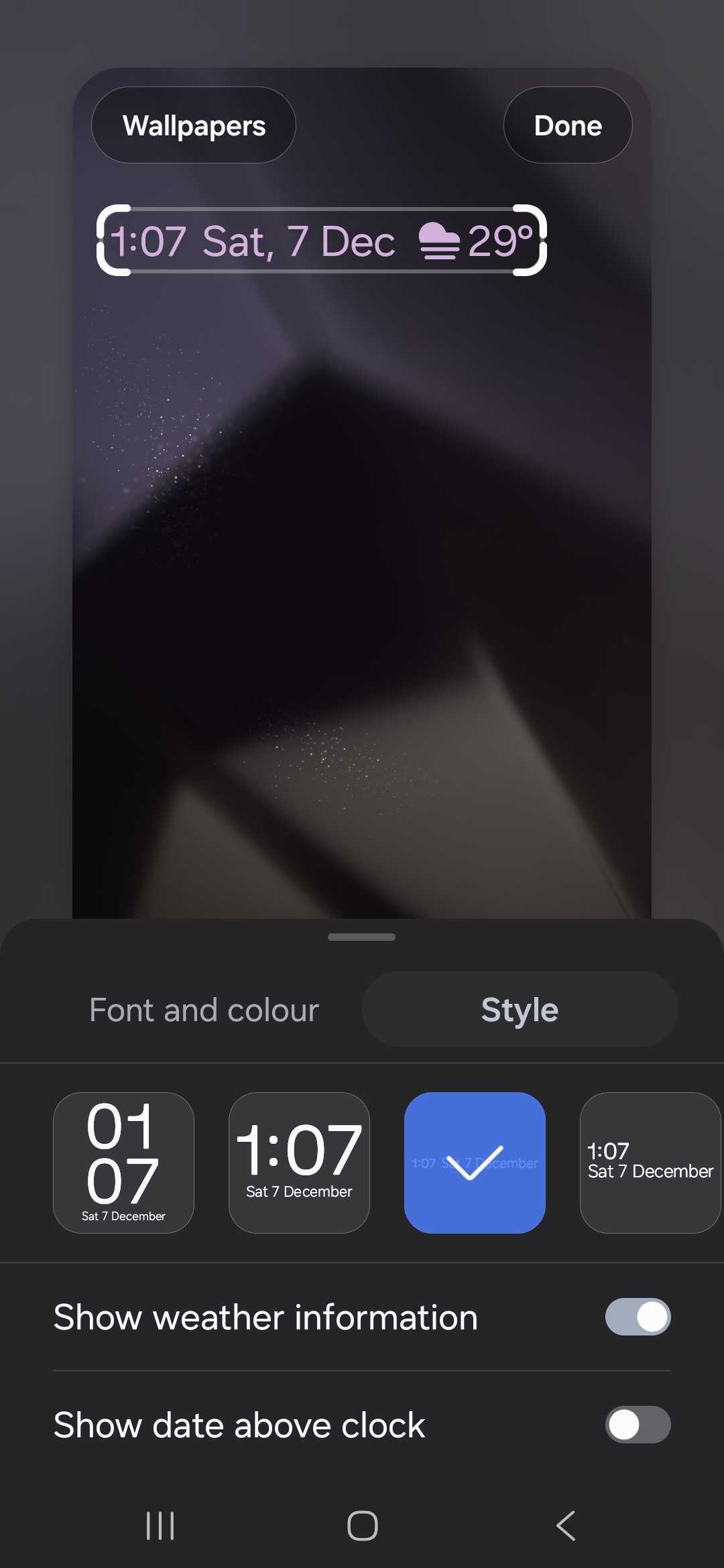
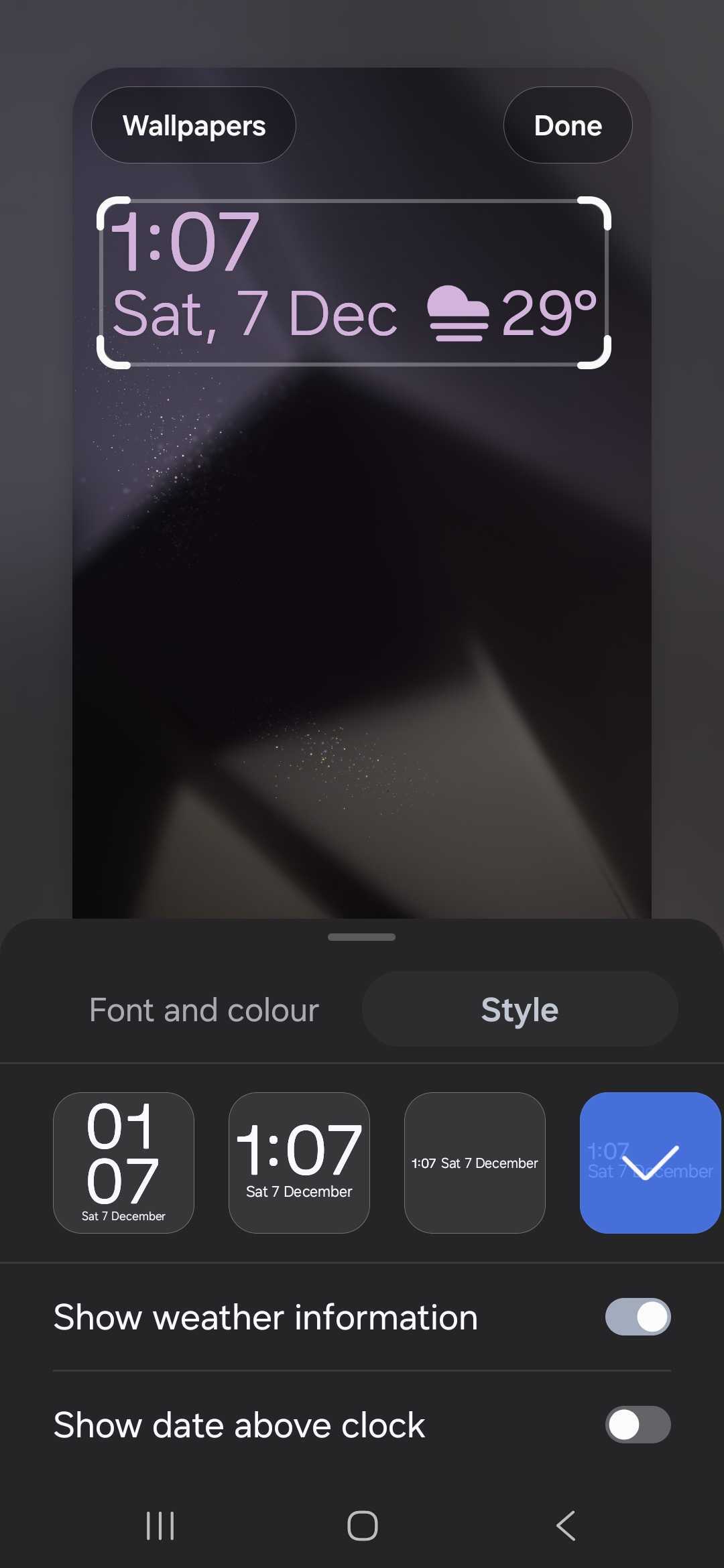
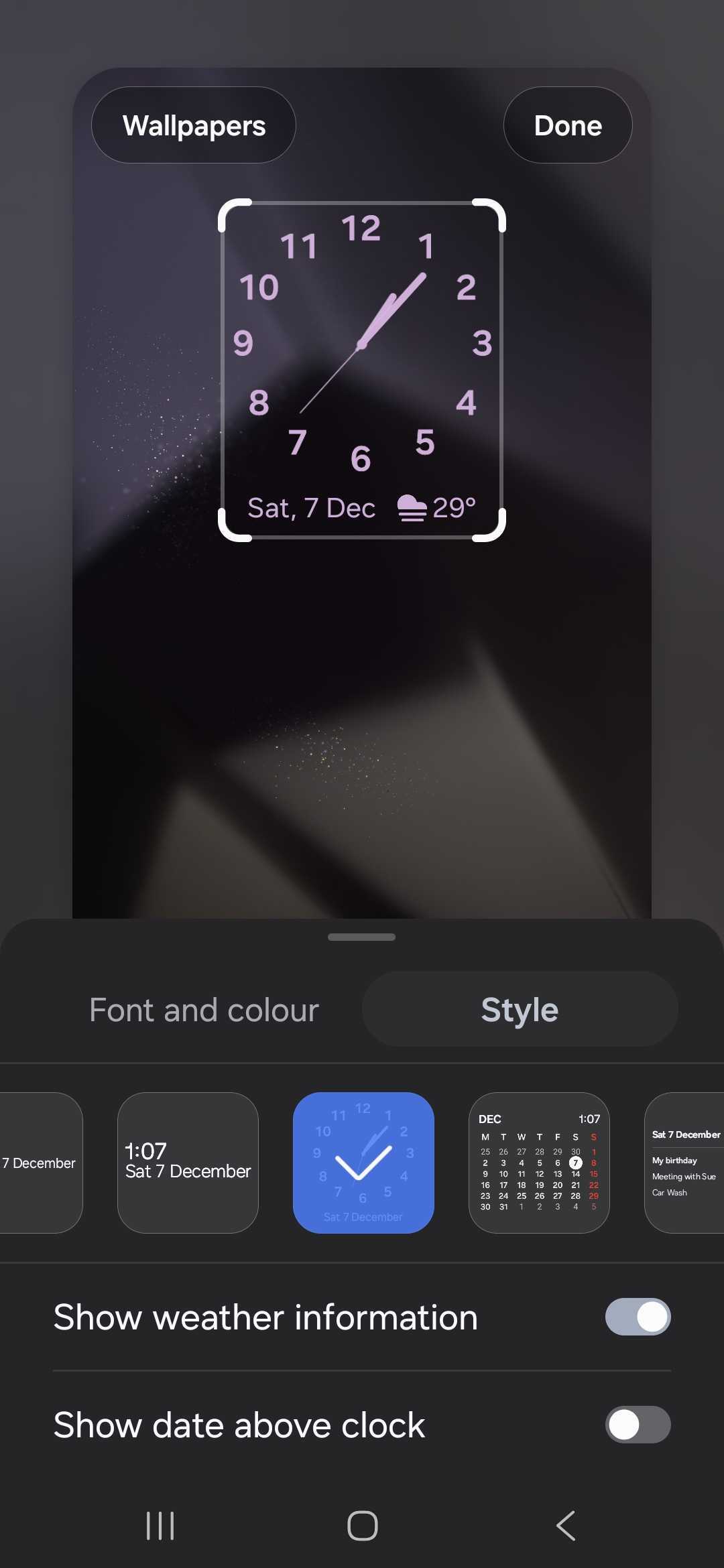
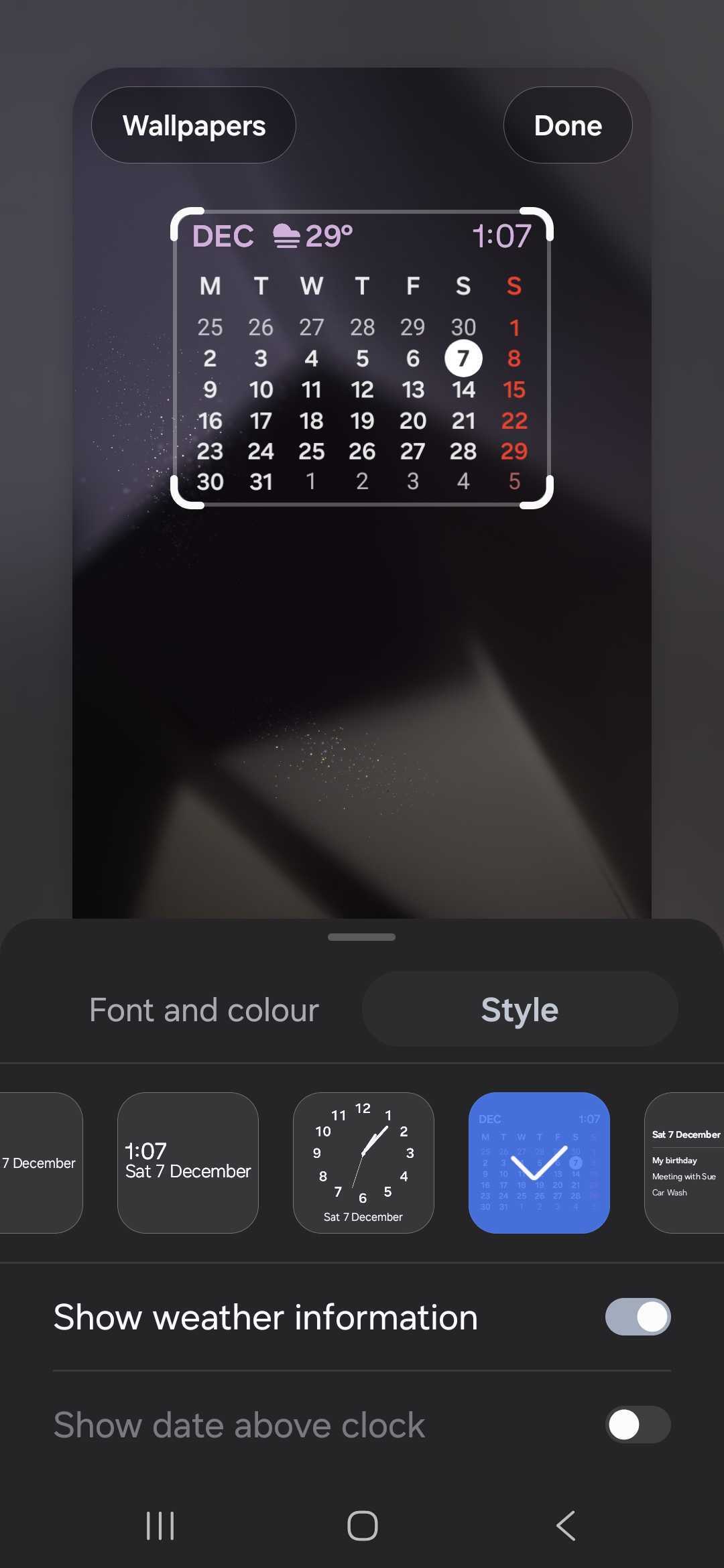
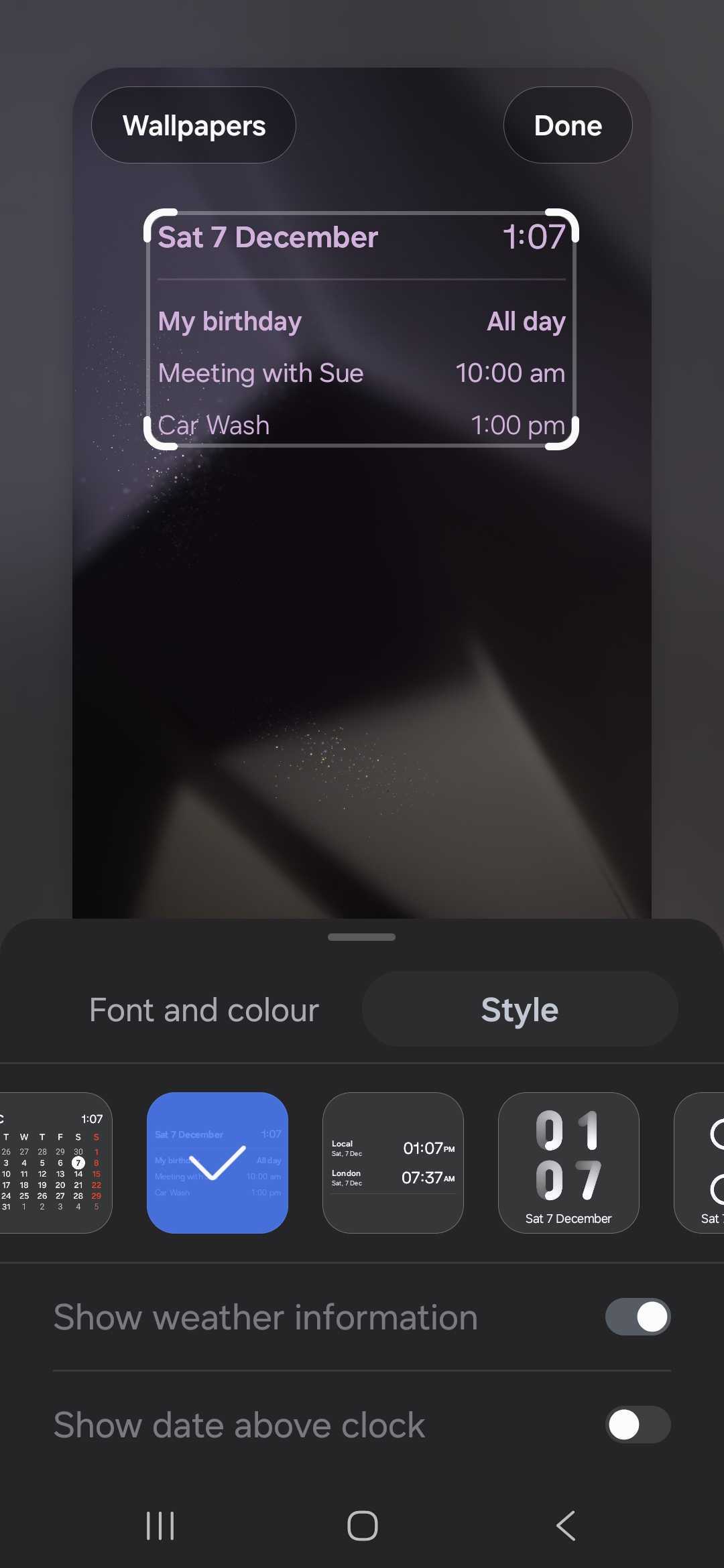
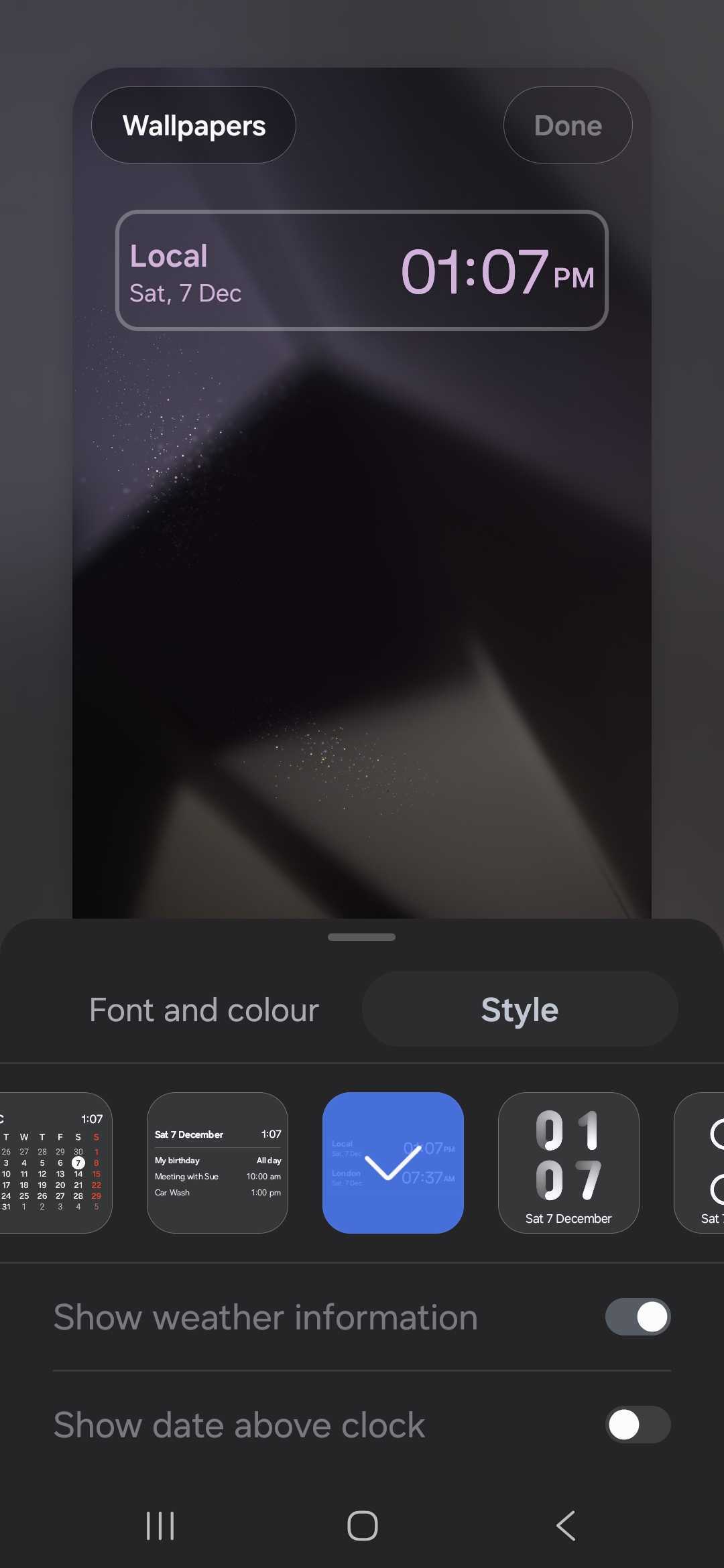
There are two new options for each clock style. You can either show or hide the weather information and date with the clock by enabling or disabling the respective toggles at the bottom of the screen.
In One UI 6.1.1, the date was displayed below the lock screen clock by default. Now, you can choose to show or hide the date. And you can do the same with the weather information.
You can see how to customize the lock screen clock widget in One UI 7.0 in our detailed video below.
Some of the clock styles for the lock screen clock widget in One UI 7.0 look dated. We hope Samsung refreshes their design in future beta versions of One UI 7.0.
The post Here are all of One UI 7’s lock screen clock styles appeared first on SamMobile.


Post a Comment